- As we may think
- Posts
- The Google Drive Connector is here
The Google Drive Connector is here
Your data is already in Google Drive. Now you can turn it into working apps.

The Memex Team
January 22, 2026
If you’re being honest about where “real” data lives for most teams, it’s not always a pristine warehouse with perfectly modeled tables.
It’s Google Drive.
Revenue trackers. Customer exports. Product feedback dumps. Ops checklists. The spreadsheet someone updates every Monday morning. The CSV a vendor sends once a week. The folder that’s basically your team’s unofficial database.
And for years, the workflow has been… annoying: download the file, clean it up, copy it somewhere else, build something, share screenshots, rinse and repeat. Or worse: you start building something useful, and it breaks the moment the file changes or someone needs to run it without you.
Today we’re fixing that.
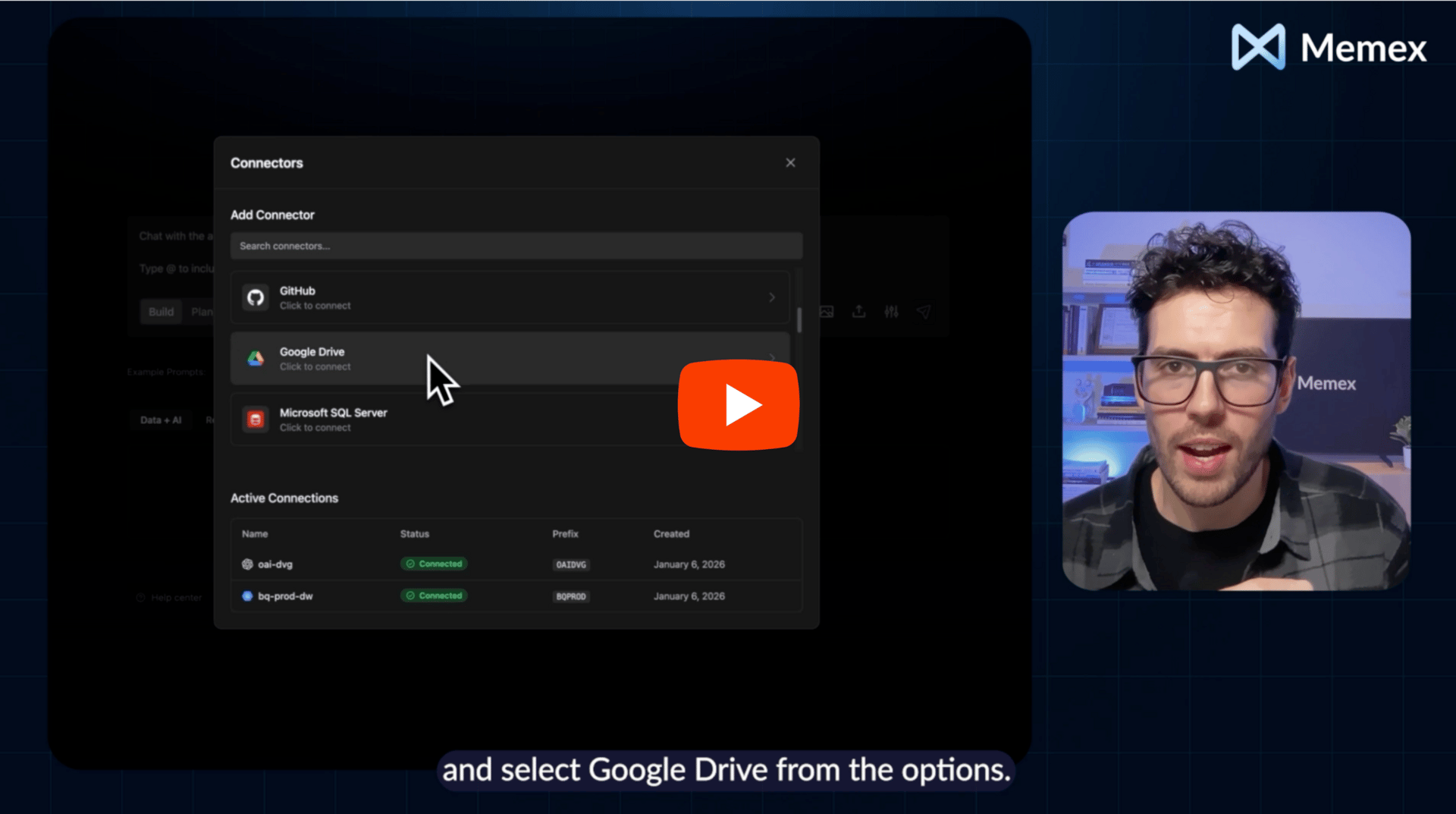
Memex Web now supports connecting directly to data in Google Drive — so you can go from “here’s the file” to an interactive analysis or a shareable app without the download → cleanup → re-upload loop.
What you can do with it
A Google Drive connector might sound simple, but it unlocks a very practical new workflow: your app connects to the source of truth, where it already lives.
A spreadsheet tracking revenue? Turn it into a live dashboard with trends, breakdowns, and filters people can actually use.
Product feedback in a CSV? Build an interactive analysis tool: search, tag, cluster themes, summarize sentiment, and share it with your team.
Customer data split across Drive and a database? Create an app that connects to both — and brings the full story together in one place.
This works for financial analysis, customer dashboards, marketing reports, inventory tracking, research visualization, internal ops tooling… basically anything sitting in Drive that you wish were easier to explore and share.
How it works (it really is minutes)
The flow is straightforward:
1) Select which Drive files or folders to connect
2) Describe what you want (dashboard, analysis tool, internal app, etc.)
3) Memex builds it — codes it, previews it, and deploys it for you once you are ready.
No templates to fight with. No copying data between tools. No “rebuild it from scratch” every time someone asks a slightly different question.
Security and control
You control exactly which files Memex can access, and the app connects directly to your Drive data rather than creating a new copy as the default workflow.
You can start building for free with the new Google Drive connector today. And if you want to talk through what you're trying to create, join us on Discord.